How to Generate Images in Midjourney: Step-by-Step Guide
 AI Tools Editorial
Registration — Have Your Card Ready
Getting into Midjourney takes a bit more effort than signing up for ChatGPT. Head to midjourney.com, log in with a Discord account (create one if you don't have it), then pick a plan. The cheapest option is Basic at $10/month — roughly 200 generations.
No free tier. Zero. Don't waste time looking for one.
Web Interface — Finally Not Painful
Midjourney used to be Discord-only, and honestly, it was miserable. Now there's a proper web app, and we use it for 95% of our work.
Here's what you'll see: a prompt field up top, your generations in the center, and an Explore tab on the left showing other users' creations. That Explore tab? It's a goldmine. Click any image, see the exact prompt behind it. We've learned more from browsing Explore for an hour than from any $50 prompting course.
Your First Generation — Just Type Something
Write prompts in English. You can use other languages, but results tend to suffer — we've tested this repeatedly across Russian, Spanish, and French.
Drop something simple into the field:
a cozy coffee shop interior, warm lighting, watercolor style
Wait 30-60 seconds. You'll get a grid of 4 variants with buttons underneath. U1-U4 upscale a specific image to full resolution. V1-V4 create variations based on that image. The refresh icon regenerates everything from scratch.
Quick story: one of our writers fat-fingered V3 instead of U3 and got a variation that blew the original out of the water. Moral of the story — hit the variation buttons often. Midjourney sometimes surprises you in the best way.
How to Write Prompts That Actually Deliver
A solid prompt has four parts:
Subject — what's in the image. "A samurai standing on a cliff," "an abandoned space station," "a portrait of an old fisherman."
Style — how it looks. Options are endless: photorealistic, watercolor, oil painting, 3D render, anime style, pencil sketch. Mix them freely: watercolor and ink.
Lighting and mood — golden hour lighting, dramatic shadows, soft dreamy atmosphere, dark and moody, neon glow.
Parameters — technical knobs at the end of the prompt.
Here's a prompt template we keep coming back to for commercial work:
portrait of a cyberpunk samurai, neon lights, rain, cinematic lighting, photorealistic --ar 16:9 --v 7
The output? Cinematic. Cover-worthy.
Parameters — Your Cheat Sheet
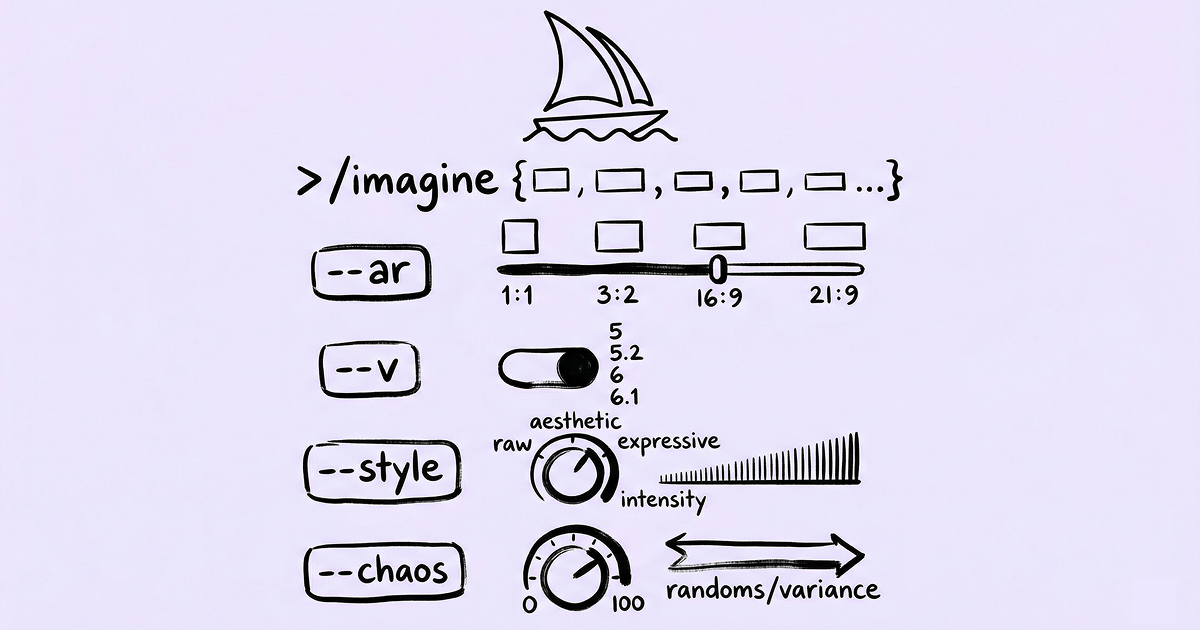
--ar 16:9 — aspect ratio. Use 16:9 for covers and banners, 9:16 for Stories and Reels, 1:1 for profile pics and social posts.
--v 7 — model version. Seven is the latest and best. Leave this alone unless you have a specific reason to use an older model.
--q 2 — quality multiplier. Default is 1. Bumping to 2 produces more detailed images but eats GPU minutes faster. On Basic plan, use sparingly.
--s 750 — stylize level. Range is 0 to 1000. At 0, Midjourney follows your prompt as literally as possible. At 750-1000, it gets "creative" — beautiful but sometimes wildly off-brief.
--no text, watermark — block specific elements. Random text and watermarks pop up constantly in AI images. We add this parameter to almost every prompt now.
Advanced Techniques That Actually Move the Needle
Image references. Drag an image into the prompt field, and Midjourney uses it as a visual anchor. Add a text description alongside — you get a blend of your reference and your words. In our testing, using a reference image gets you 2-3x closer to the result in your head.
Multi-prompts with weights. The double colon :: separates concepts and assigns importance:
cyberpunk city::2 sunset::1 reflection in water::1
The city dominates; sunset and water play supporting roles. We reach for this technique whenever we need tight control over focal points.
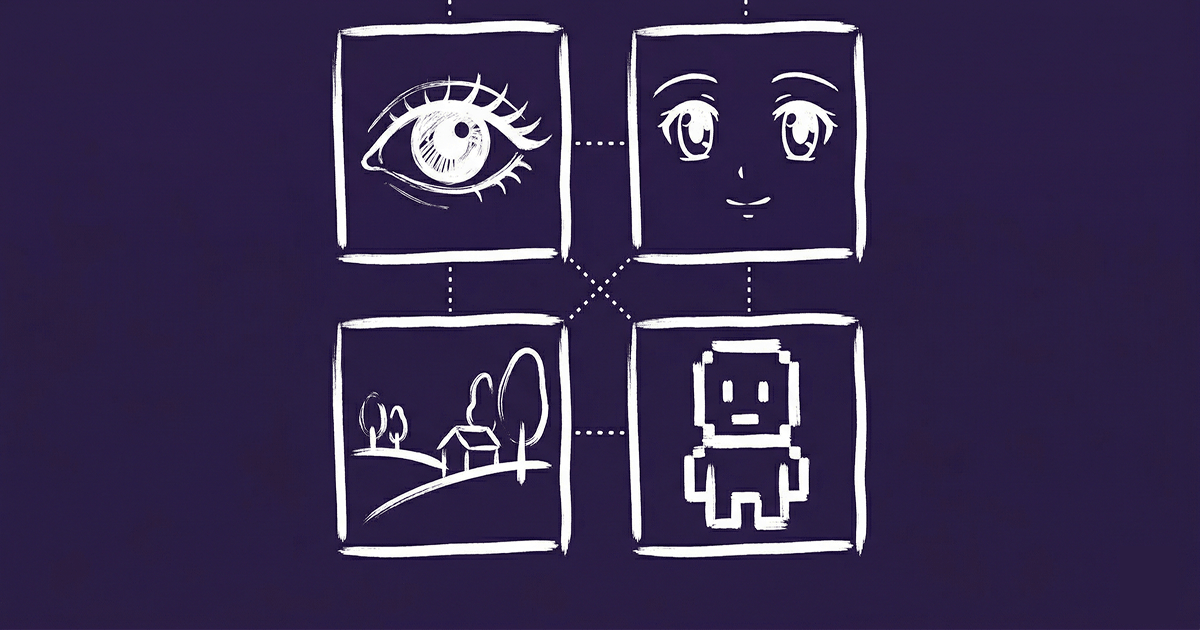
Style keywords. Write in the style of Studio Ghibli and the output looks like a Miyazaki frame. Art deco, brutalist architecture, vaporwave aesthetic — the model knows hundreds of named styles. Pro tip: browse Explore, find an image you love, steal the style words from its prompt. Everyone does it.
What Six Months of Daily Use Taught Us
Long prompts are not better prompts. Sometimes a lonely astronaut on Mars, cinematic hits harder than a three-line wall of adjectives. Pile on too many details and Midjourney gets confused — elements bleed into each other.
Don't ask it to render text. Letters still come out garbled. Need text on an image? Generate the visual first, then add typography in Figma or Canva. Way faster, way cleaner.
The Explore gallery is your real classroom. Spend an hour sorting by likes. Seriously. You'll absorb more about effective prompting than any tutorial will teach you.
One last thing: save every prompt that produces a great result. After a month, you'll have a personal prompt library, and generation stops being a guessing game. It becomes a repeatable, predictable workflow.
