How to Use ChatGPT: Complete Beginner's Guide
 AI Tools Editorial
Registration — Two Minutes, Tops
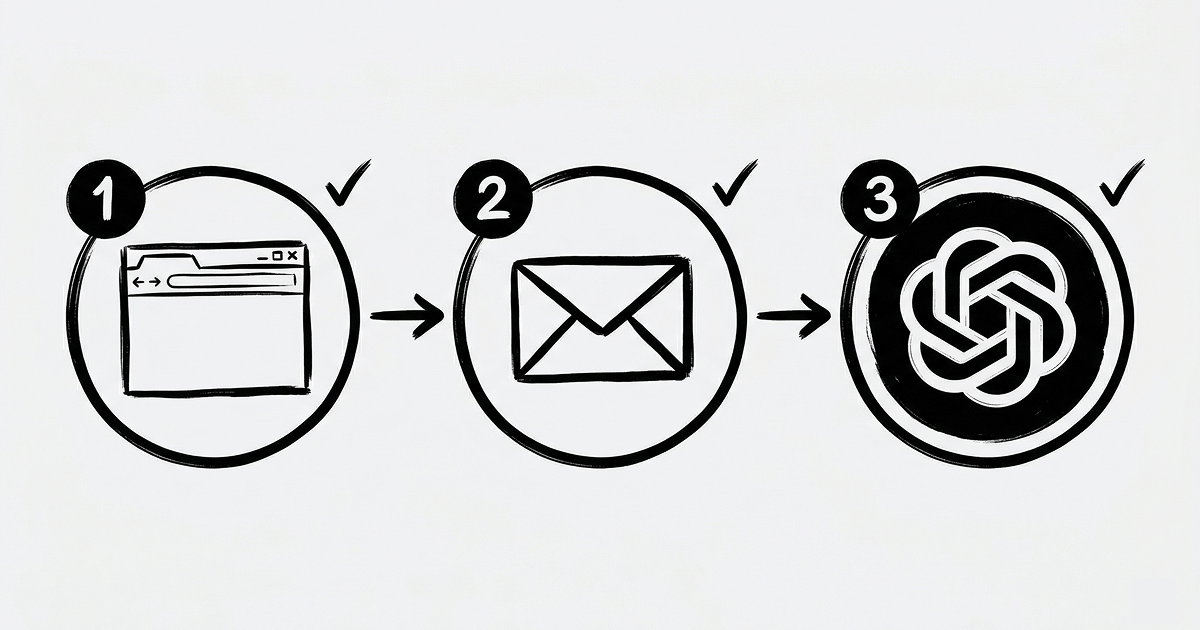
Head to chat.openai.com, hit "Sign Up," pick Google sign-in (fastest path) or go the email route. Confirm your address — done. Your ChatGPT account is live. The whole process took us under two minutes, and we were being slow about it.
What You'll See After Logging In
The interface is dead simple. Input field at the bottom for your prompts. Chat history panel on the left — every conversation is saved, so you can pick up where you left off days later. Model switcher at the top: GPT-4o for serious work, GPT-4o mini when you want speed over depth.
Here's a habit worth building early: hit "New Chat" whenever you switch topics. Don't discuss your marketing strategy in the same thread where you asked for a pasta recipe. ChatGPT starts confusing context, and your answers get worse.
Your First Query — Stop Overthinking It
This is where beginners freeze up. "What do I even type?" Anything. Seriously, just type what you're thinking.
When we first opened ChatGPT, one of our writers typed: "Hey, tell me something interesting." And you know what? That's fine for a first attempt. But the gap between a vague prompt and a specific one is enormous.
Look at the difference:
Vague: "Write something about marketing"
Specific: "Write a Telegram post about email marketing for an online clothing store. Target audience — women aged 25-35. Tone — friendly, no corporate jargon. Length — 150-200 words"
The second prompt gives you output that needs maybe two edits. The first gives you a college essay nobody asked for.
Prompt Techniques That We Actually Use Daily

We've tested dozens of prompting frameworks over the past year. Here's what stuck:
Assign a role. Start with "You're an experienced copywriter with 10 years in the IT industry" or "You're a financial analyst specializing in SaaS metrics." ChatGPT shifts its entire output style. Skipping roles is the single most common mistake we see beginners make — they get generic, textbook answers and wonder why.
Front-load context. "I run a coffee shop in Austin, 2 locations, average check $12, we want to launch a loyalty program" — feed it this kind of background and you get specific, actionable advice instead of abstract MBA-speak.
Pin down the format. "Answer as a list of 7 points," "Make a table: problem / solution / cost," "Write in FAQ format — 5 questions with answers." Without a format instruction, ChatGPT structures responses however it feels like, and its instincts aren't always right.
And here's something most people miss: if the answer isn't great, don't start from zero. Type "Redo it, but shorter and punchier" or "Add real numbers and specific examples." The model remembers the full conversation and refines that exact response. We do this on almost every output — the second or third pass usually nails it.
Working with Files — This Is Where It Gets Interesting
See the paperclip icon next to the input field? Click it. Upload a PDF, an image, an Excel spreadsheet, a CSV — whatever. Then ask a question about it.
It took us three days to realize how powerful file uploads are. We dropped in a quarterly sales spreadsheet and wrote "Find anomalies and suggest three hypotheses for why March revenue dipped." Got back an analysis that would've taken a human analyst half a day. Three days of not knowing this feature existed. Painful in retrospect.
One thing to watch: don't upload files with customers' personal data or sensitive financial info. OpenAI's privacy policies are solid on paper, but we err on the side of caution.
GPTs — Pre-Built Specialists (Mostly Bad, Some Great)
In the left menu you'll find "Explore GPTs" — thousands of custom-configured assistants for specific jobs. SEO optimizer, logo generator, interview prep coach, resume reviewer.
Here's the honest truth: 90% of them are garbage. Recycled system prompts with a fancy name. But the top 10% genuinely save time. Filter by usage count and ratings. Anything under 1,000 uses is probably not worth clicking on.
What a Year of Daily ChatGPT Use Taught Us
Don't try to generate an entire article in one prompt. We made that mistake for months. Break it up: outline first, then each section individually, then a separate editing pass. The quality difference is dramatic — night and day.
Always fact-check the output. ChatGPT lies with confidence. It cites nonexistent studies, invents statistics, references reports that were never published. If it says "according to McKinsey's 2025 data" — go verify. There's a decent chance that data doesn't exist.
Build a prompt library. We started a shared doc where we paste every prompt that produced a great result. After a month, you stop reinventing the wheel on every task. After three months, you have a personal operating system for AI-assisted work.
Bottom line: ChatGPT is a tool. A powerful one, but it's only as good as the instructions you feed it. Learn to write clear, specific prompts, and it becomes the most productive team member you've got — one that never sleeps and costs $20 a month.
